
Santa Rosa Directory Coverage
Santa Rosa directories answer different kinds of identity questions. Government rosters show public roles and work contacts. School listings identify district departments and staff. Recorder, property, and voter records behave like directories but carry distinct access limits. Professional portals verify a license or business filing, while the History and Genealogy Library preserves listings from earlier generations.
| Listing source | People or records listed | Keeper | Access route |
|---|---|---|---|
| City staff directory | Departments, staff contacts, boards | City of Santa Rosa | Online by category, first name, or last name |
| Legistar People | Council, board, and commission members | City of Santa Rosa | Online roster |
| School staff directory | District staff and department contacts | Santa Rosa City Schools | Online staff pages |
| State Personnel Office Directory | Agency personnel-office contacts | California State Controller | Online by agency alphabet |
| Recorder index | Principal parties on recorded documents | Sonoma Clerk-Recorder | Online index and office volumes |
| Professional license search | Licensees and regulated businesses | California DCA and boards | Free online lookup |
| City, phone, and yearbook collections | Past residents, households, and students | History and Genealogy Library | On-site and reference help |
Start with the relationship, not just a surname. A city role points to CivicEngage or Legistar. A district role points to Santa Rosa City Schools. A deed points to the recorder. An old address points to library directories and tax sources. This keeps unlike records from being mistaken for one another.
Search Santa Rosa Staff Directories
The City of Santa Rosa staff directory is the strongest current municipal directory. It can be filtered by category, first name, or last name. Categories span the City Clerk, City Council, City Manager's Office, Finance, Planning, Police, boards, commissions, and many department units. A category search is often more useful than a name search when the goal is to reach the staff member who handles a type of record.
| Search field | Control | Required | Use |
|---|---|---|---|
| Directory Category | Dropdown | No | Narrows results to a department, office, board, or commission. |
| First Name | Text | No | Searches a given name. |
| Last Name | Text | No | Searches a surname. |
| Search | Button | No | Submits the selected filters. |
A visible entry may provide the category or department, name and title on role-specific pages, public work phone, extension, and official email. It does not publish home addresses or private contact data. When a person is absent, use the department's main line or City Clerk rather than guessing an email pattern.
The city directory screen shows the category and name controls used for a Santa Rosa staff search.
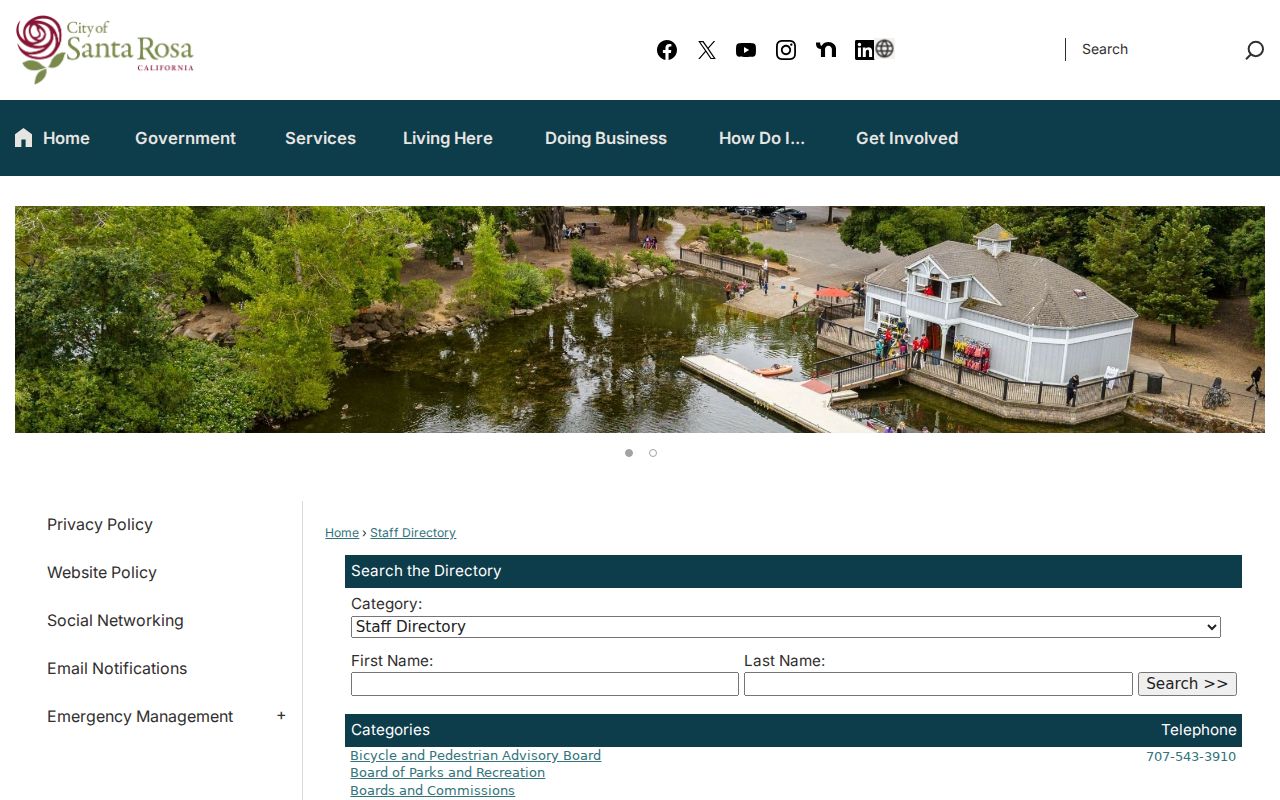
The long category menu makes the directory useful even when the staff member's exact name is not known.
Santa Rosa Board Member Directory
The city's Legistar People roster is a separate directory for council, board, and commission participants. It is best for a civic role tied to agendas, minutes, and public meetings. The staff directory, by contrast, is built around departments and day-to-day contact routing.
The Legistar roster view shows how Santa Rosa organizes people connected to its legislative record system.
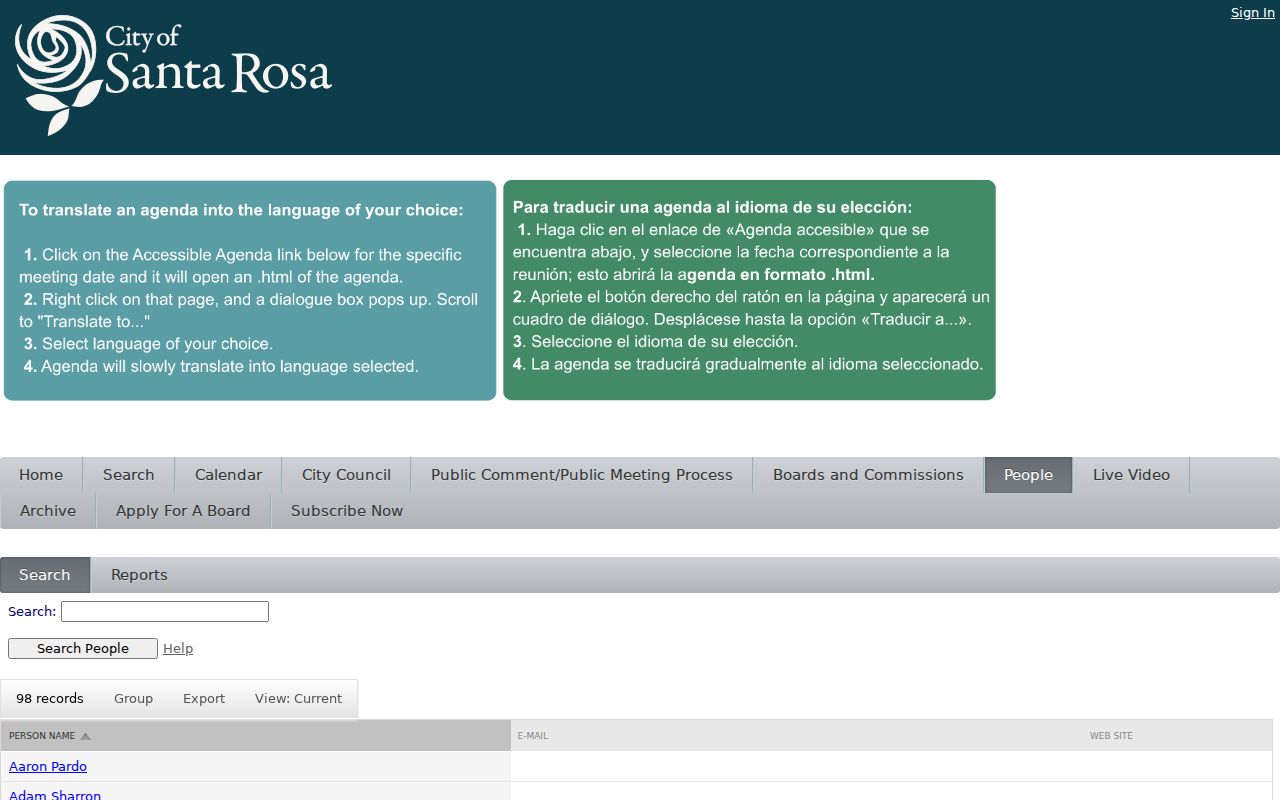
A roster result should be read with its board or commission context, since the same person may appear in several civic records.
Use Legistar when the name comes from a meeting packet or agenda. Use CivicEngage for a city department. If neither listing resolves an older appointment, City Clerk records and archived meeting files are the fallback.
Note: An official roster confirms a public role, not a person's private address, phone number, or off-duty activity.
Santa Rosa School Staff Directory
The Santa Rosa City Schools staff directory lists department contacts with names, titles, phone extensions, and work locations. Educational Services entries, for example, sit within a department page rather than a citywide resident search. This is the right directory family for a district program or school-system contact.
The district staff page demonstrates how education contacts are grouped by department.
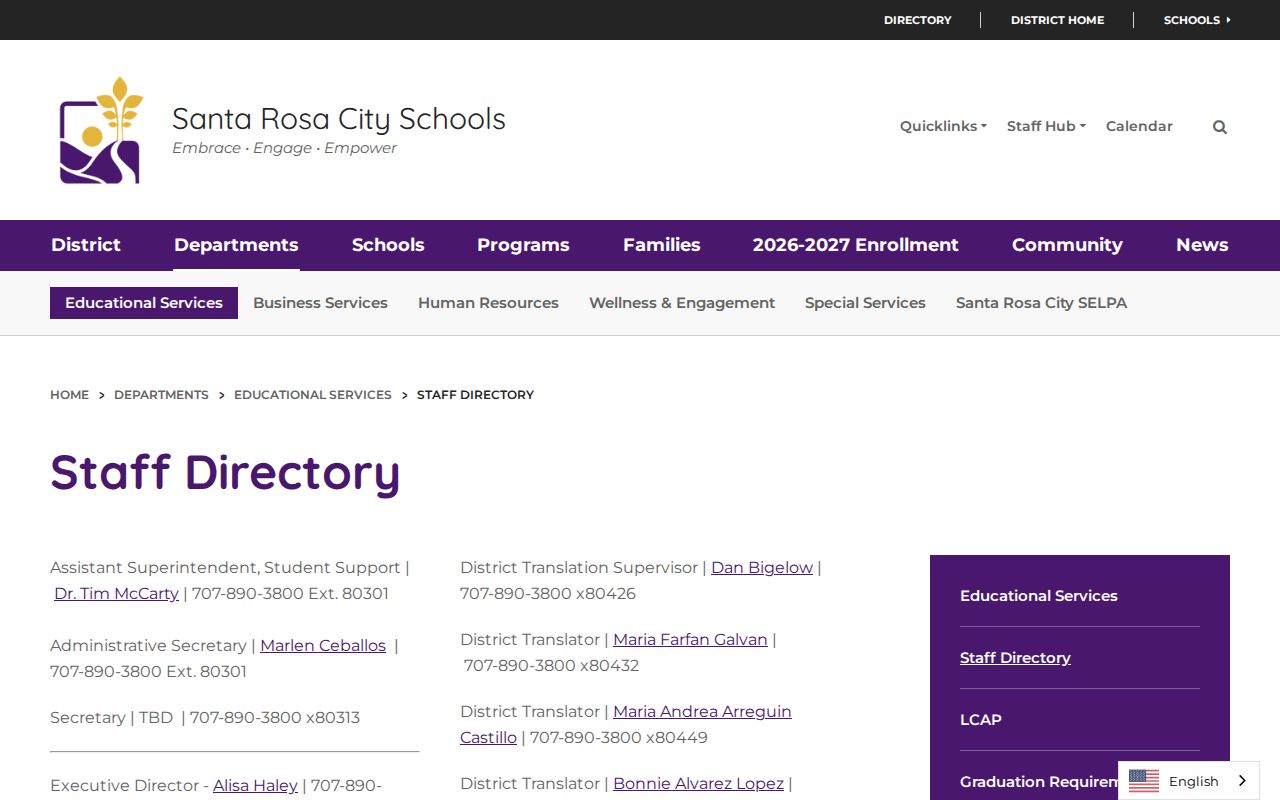
The role and department fields help distinguish people who share a name and route a question to the right office.
Sonoma State University and Santa Rosa Junior College also maintain faculty, staff, department, and archival resources, but each institution controls its own display and privacy rules. Yearbooks at the Sonoma history library provide the historical counterpart. They can connect a student name to a school and class era when current education pages no longer apply.
California Personnel Directory from Santa Rosa
The State Controller's California Personnel Office Directory is organized by agency alphabet. It lists personnel-office contacts, agency codes, and office addresses rather than creating a statewide resident list. For a Santa Rosa inquiry involving a California agency, it can identify the office that maintains official staff or personnel routing.
The CPOD agency index shows the directory's alphabetical structure.
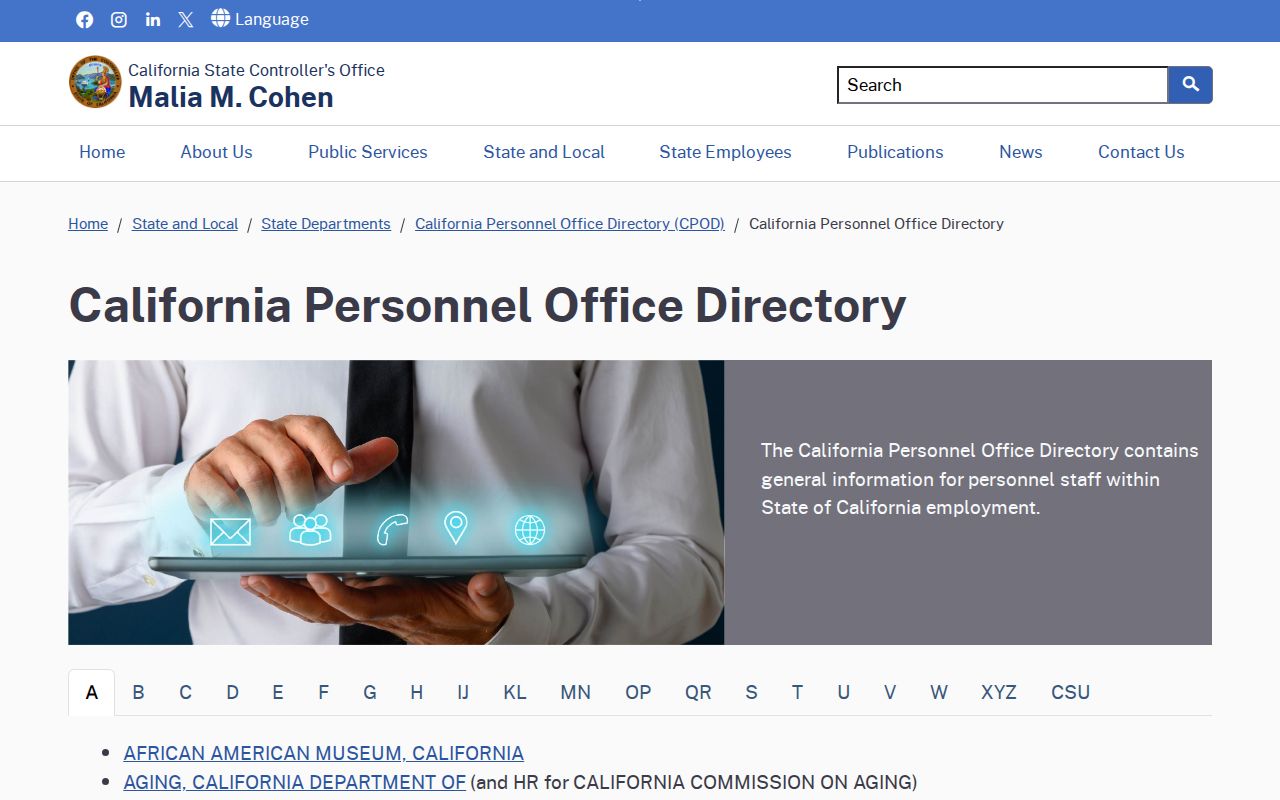
Its agency-first layout works best when the department is known, even if the name of the correct contact is not.
County contacts follow a similar office-first model on Sonoma County department pages. Search the agency or department, then confirm the named role through the official page. This avoids treating a central switchboard or personnel office as the person's direct listing.
Santa Rosa Record Index Directories
Some public records work like directories without being staff or phone books. The Sonoma Clerk-Recorder index lists principal parties on recorded documents. Its online span begins in 1964; handwritten office indexes reach back to 1835. Current and older results may connect a name with a deed, lien, release, official bond, or other filing, but the index is only a catalog entry until the underlying record is reviewed.
Property tools reverse the starting point. Sonoma's online assessor search accepts a fee parcel, assessment number, or street address, yet it suppresses owner names and does not permit name searches. Owner data remains available through controlled assessor channels. That makes the web portal an address and parcel directory, not an open owner list. A Santa Rosa mailing address may also fall in the city or unincorporated county, so permit jurisdiction must be checked before using city Accela or Permit Sonoma.
- Principal party
- A person or entity whose name is indexed on a recorded document.
- APN
- The Assessor Parcel Number that links tax-roll data, maps, and GIS parcel shapes.
- Index
- A finding aid that points to a filing; it is not always the full document image.
- Reverse directory
- A listing arranged by address that can identify who was associated with a place.
The current voter file is another restricted directory. California limits it to approved governmental, political, journalistic, or educational purposes, while confidential voters are excluded. Historical Great Registers and voter registrations instead belong with library and archive research. General request law and custodian details are covered in Santa Rosa public records access.
Santa Rosa License Directories
The California Department of Consumer Affairs Advanced License Search is the broad official starting point for many regulated fields. Its filters include first name, last name, license number, business name, board or bureau, license type, city, county, and status. Results may show whether a license is current, expired, suspended, or revoked, depending on the board record.
The DCA search form displays the field mix used to narrow a Santa Rosa professional directory search.
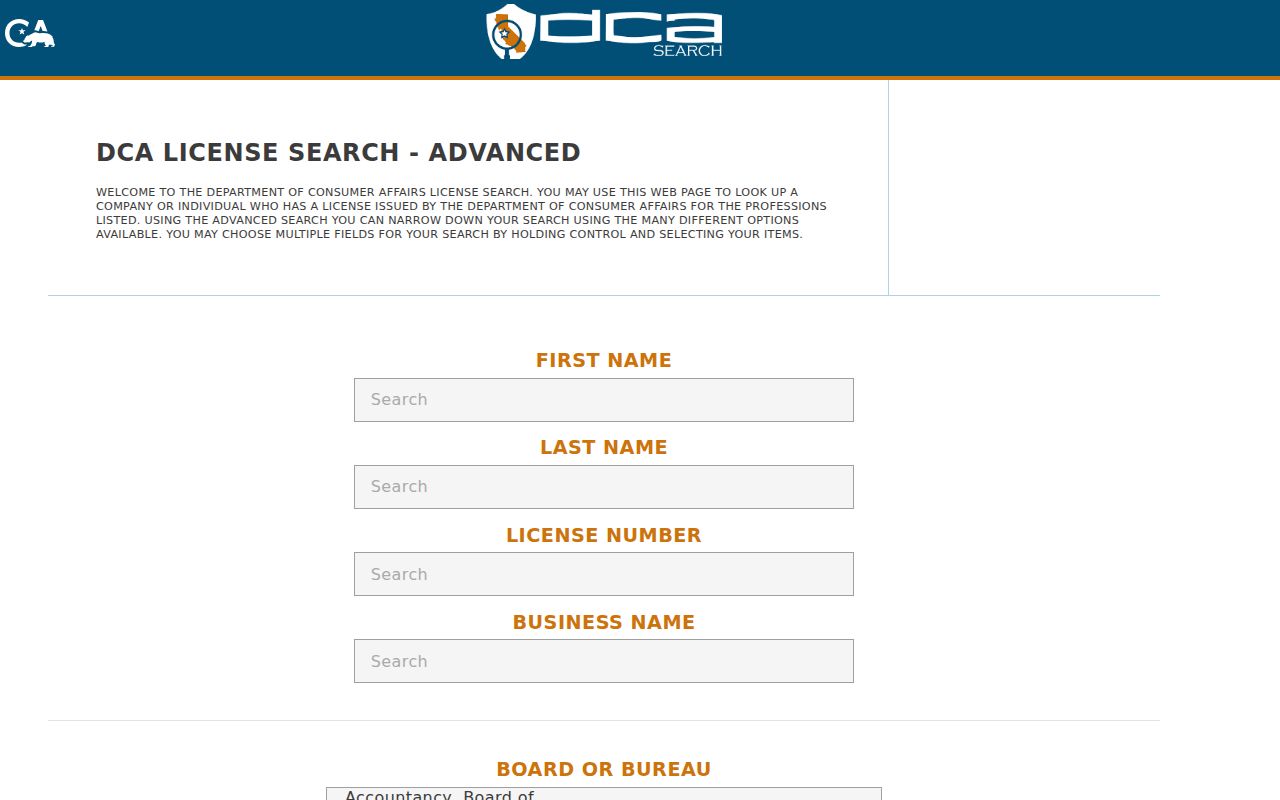
Board, license type, and city filters help separate similar names before a license status is read.
Other official paths include the State Bar, Contractors State License Board, Commission on Teacher Credentialing, Department of Real Estate, and board-specific health licensing pages. Business identity follows a different chain: California bizfile covers corporations, LLCs, and limited partnerships, while Sonoma's recorder portal searches fictitious business names and professional registrations.
Note: A chamber member list is a current business contact source, but legal identity and license status should be confirmed in government systems.
Historical Santa Rosa Directory Collections
The Sonoma County History and Genealogy Library is the center of historical Santa Rosa directory research. Its genealogy collection names city and telephone directories, high school and college yearbooks, census records, voter registrations, tax assessments, cemetery guides, and indexes to vital, probate, court, and naturalization records. The official page does not publish a complete year-by-year run for its city directories, so the reference desk should confirm coverage before a visit.
| City and telephone directories | Past residents and businesses by name or address; exact annual holdings require library confirmation. |
|---|---|
| Yearbooks | High school and college students, classes, and activities. |
| Voter registrations and tax assessments | Historical links between people, places, and civic records. |
| Cemetery guides | Burial places and deceased residents. |
| Probate and naturalization indexes | Names tied to estates, court files, immigration, and citizenship records. |
The genealogy collection page shows the range behind these historical Santa Rosa directories.
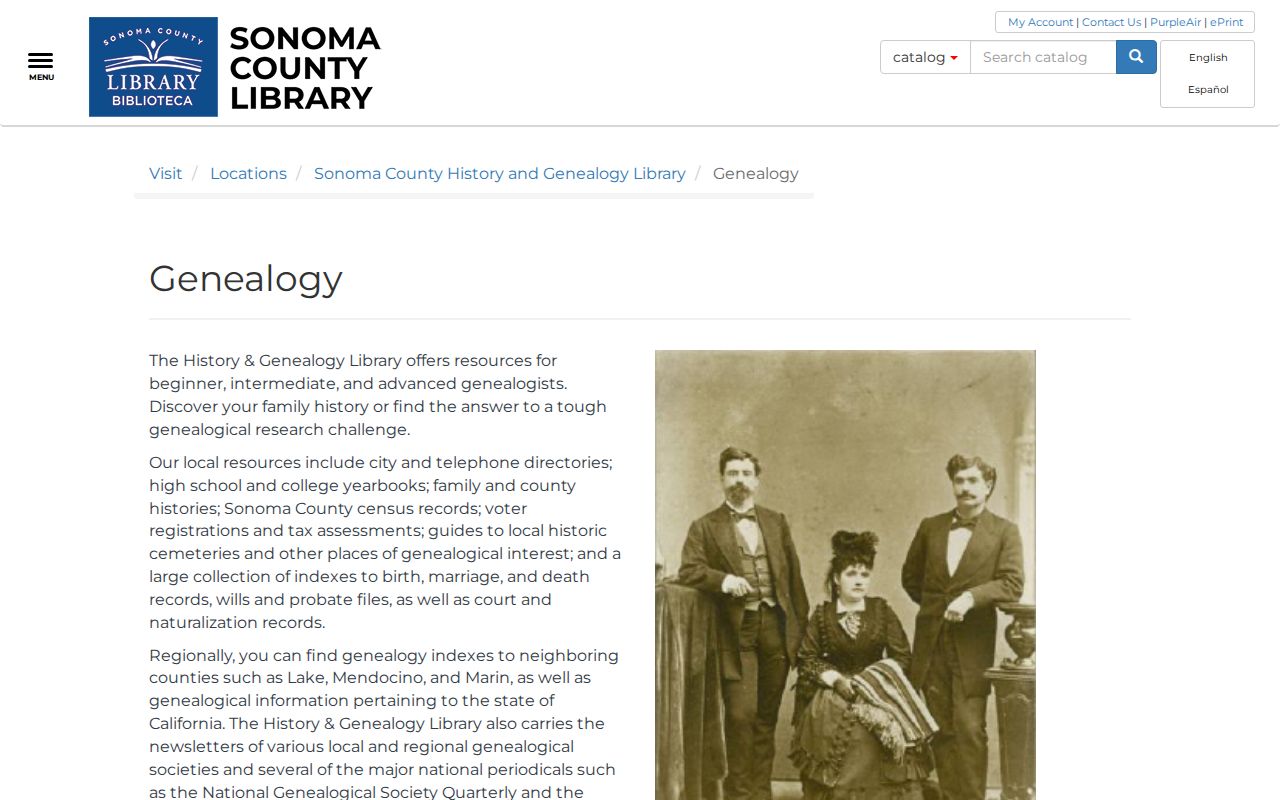
The collection combines name-first and address-first sources, which is vital when one form of a name fails.
Santa Rosa Family Directory Trails
Historical listings support a distinctly human task: tracing relatives, heirs, classmates, and former residents across time. The library began in 1967 as the Sonoma County Room and later became an official repository for many county archives and some Santa Rosa records. Its role means a directory search can lead directly to photographs, maps, meeting files, court material, or department archives held in the same research network.
The Sonoma County Genealogical Society fills narrow gaps with named local indexes. Its holdings include cemetery records from 1846 to 1921, the 1890 Great Register, early school attendance, the 1930 school census, judgments and debtors, militia lists, marriage affidavits, probate from 1847 to 1959, and naturalization runs covering 1841 to 1930. These sources can distinguish a household that disappears between census years.
- Begin with the closest known year in a city, phone, school, or voter directory.
- Use an address, school, occupation, or relative to separate people who share a name.
- Move to tax, deed, probate, cemetery, obituary, or naturalization indexes when the listing supplies a new fact.
- Ask the library to confirm the exact volume, format, and access conditions before an on-site search.
This approach treats each entry as one point in a record trail. It is stronger than assuming that a single name match proves identity, residence, or family connection.